From search to placed link.
Searching, filtering, ordering, content and placement in one place. And if you'd rather not search by hand, connect your own AI to our database.
Create a free account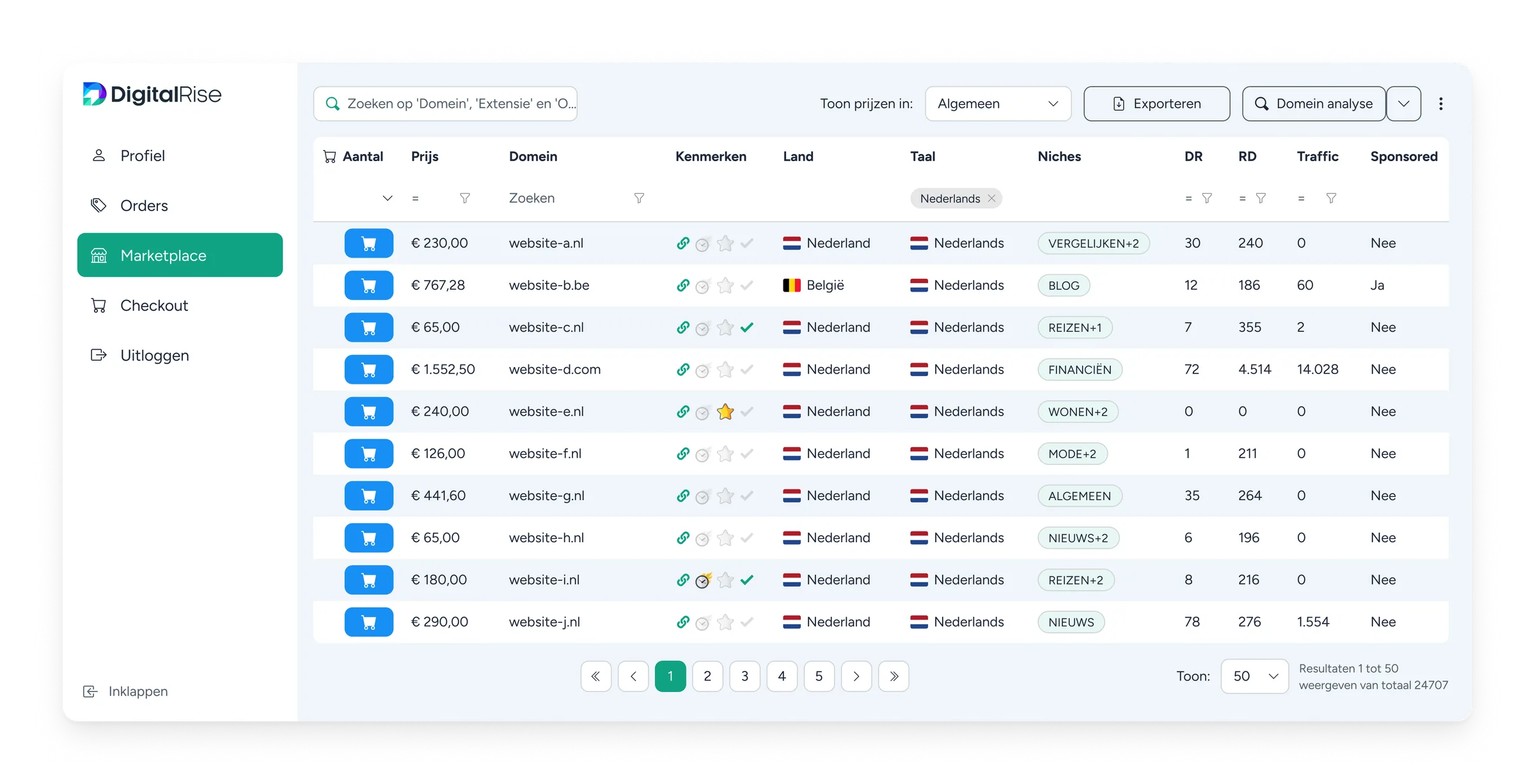
-
Search and select
Filter 140,000 sites for what your client needs.
-
Order and deliver
Place the order, supply your article or have it written.
-
Placement
We handle it with the publisher and notify you as soon as the link is live.
The marketplace
You're not looking for DR 40. You're looking for a Dutch site in the right niche, within the budget of this particular client.
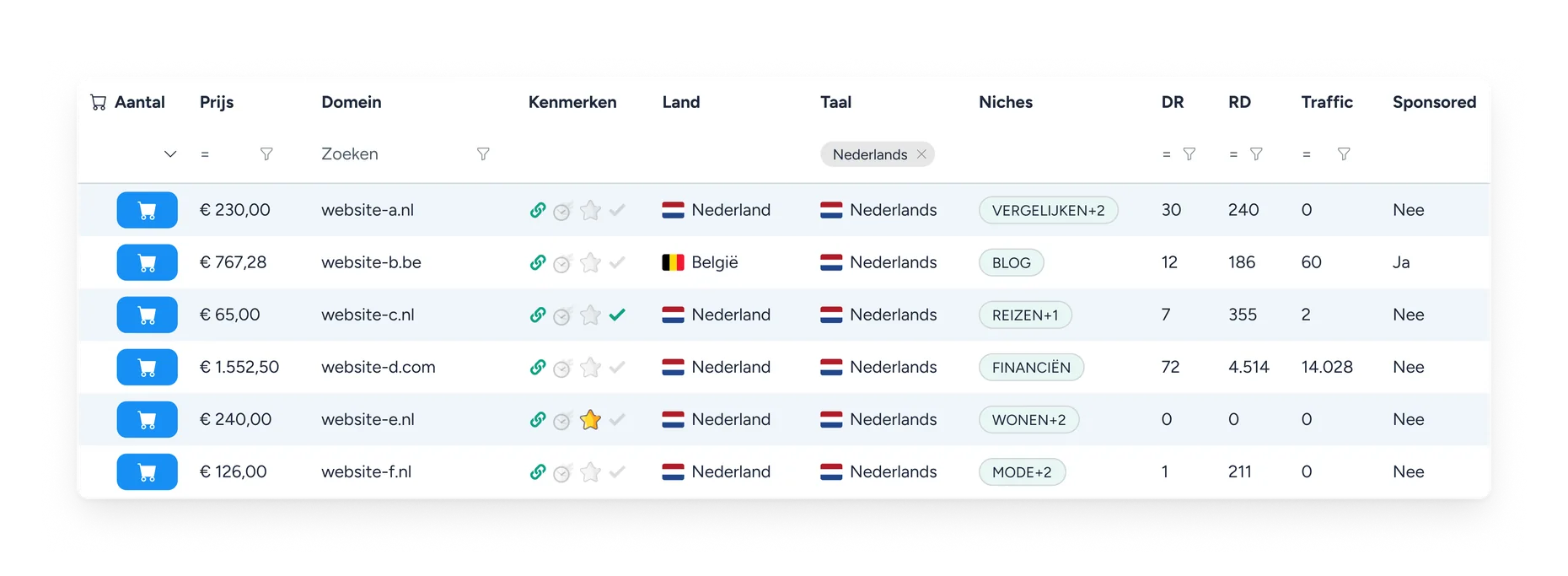
Every column has its own filter: Domain Rating, referring domains, traffic, country, language, niche, price and duration. Stack them until what’s left is what you need, and export the rest in one click.
And you know what you’re getting before you order.
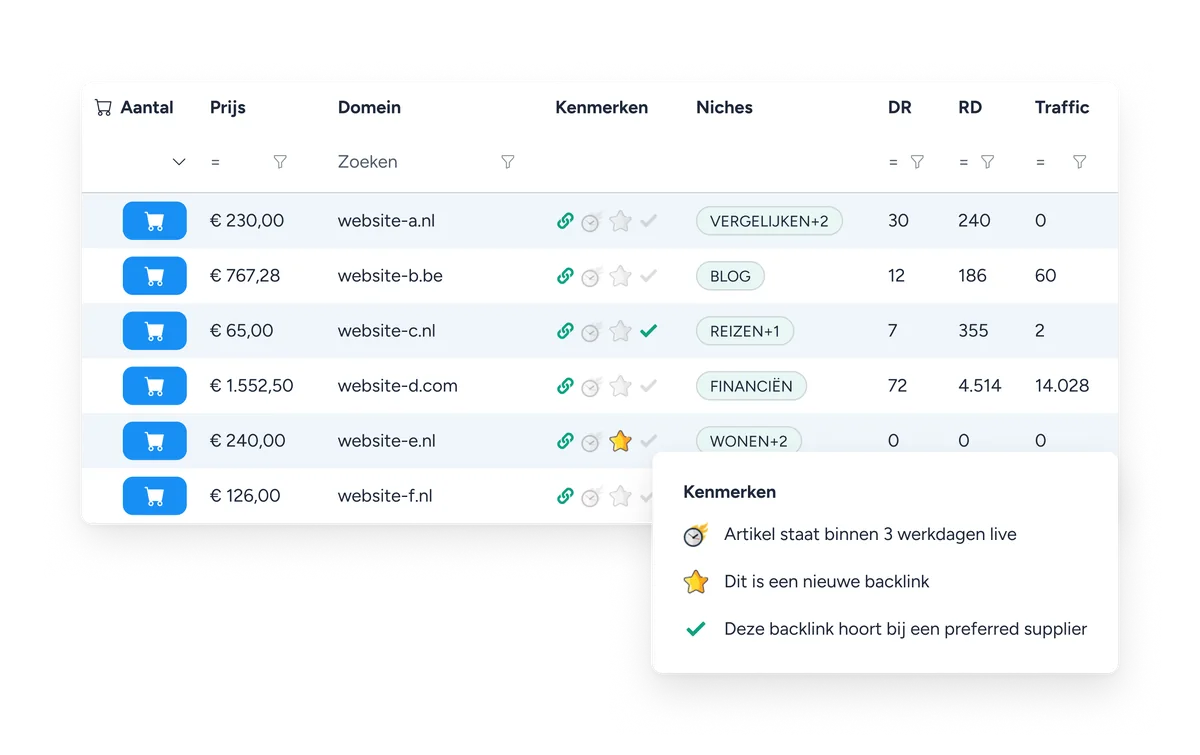
For each domain you see whether the placement is permanent, the maximum number of outbound links and whether it is marked as sponsored. There’s often a sample article. And if you’re in a hurry, filter on publishers that place within three working days.
Connect your own AI via MCP
Most agencies have their own way of working. It usually stops at the edge of the platform they buy from.
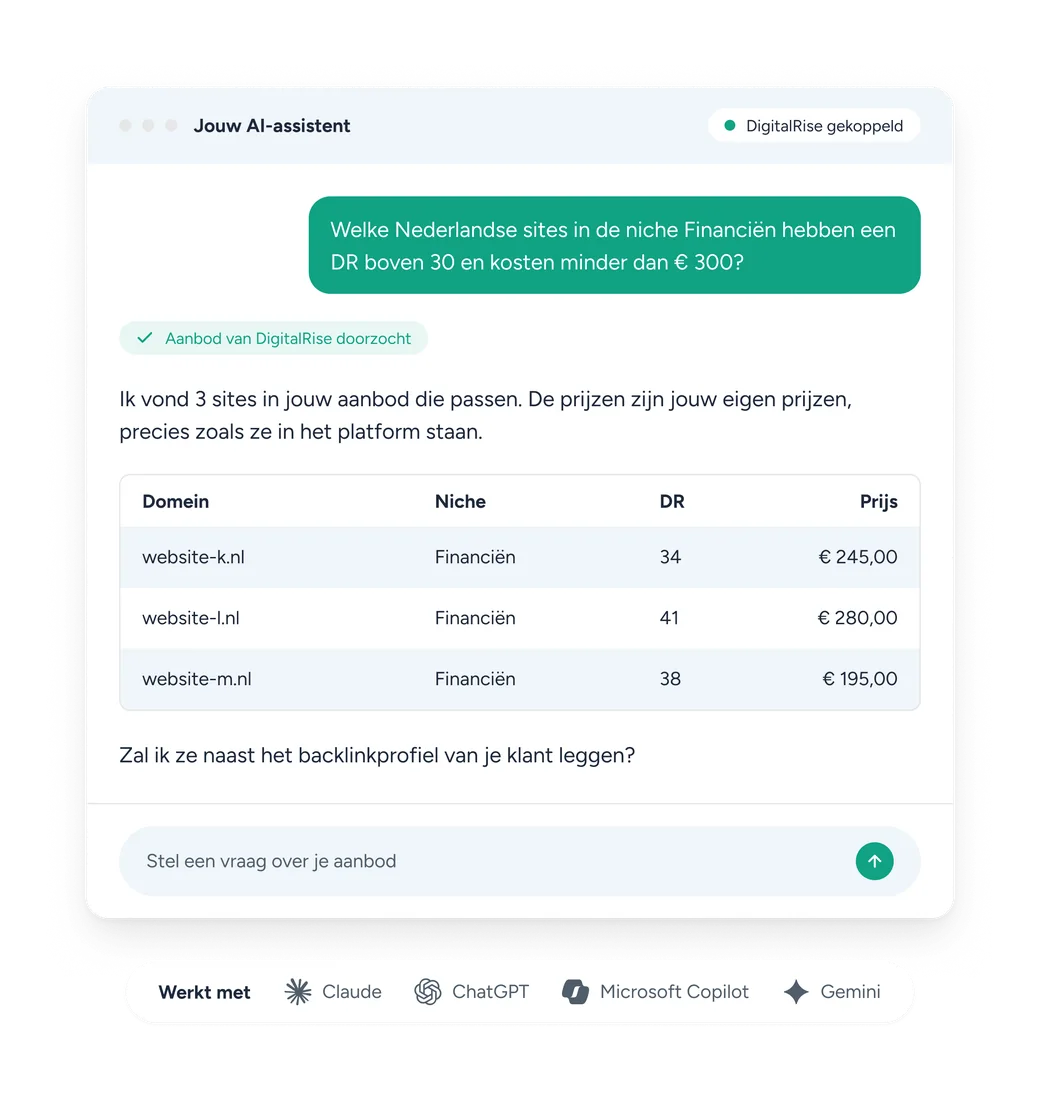
With the MCP connection you link the assistant you already use to our database. One URL, no key or token, and the connection renews itself.
What you can ask
- Search the inventory by country, language, niche, price and minimum values such as Domain Rating or traffic
- Look up one specific domain: is it in your inventory, and what does it cost
- List which niches, countries and languages your inventory covers, so the assistant can work out what’s possible in a market at all
With your prices. Never estimated, never rounded.
The assistant works with the prices that apply to your company, exactly as they appear in the platform. It estimates nothing and rounds nothing. That sounds like a detail until you’ve had to double-check a number from an AI.
And it gets really interesting next to your own data.
Add Search Console, Analytics, Ahrefs or Semrush, and in one question you ask what the backlink gap between your client and its competitor is and which of those links are available in our inventory. From analysis to shopping list, with no step in between.
Or pull it in via the API
If you build your own overview from multiple sources, you're working with exports that go stale the moment you download them.
With the API you pull our live inventory into your own system. No more refreshing exports, no outdated prices in your comparison.
GET /api/public/domains?country=NL&dr_min=30&limit=2

{
  "total": 24707,
  "results": [
    { "domain": "example.nl", "price": 230.00, "dr": 30,
      "referring_domains": 240, "language": "nl" },
    { "domain": "voorbeeld.nl", "price": 290.00, "dr": 78,
      "referring_domains": 276, "language": "nl" }
  ]
}Or just export it
Not everyone wants an integration. Sometimes you just want a list in your own spreadsheet.
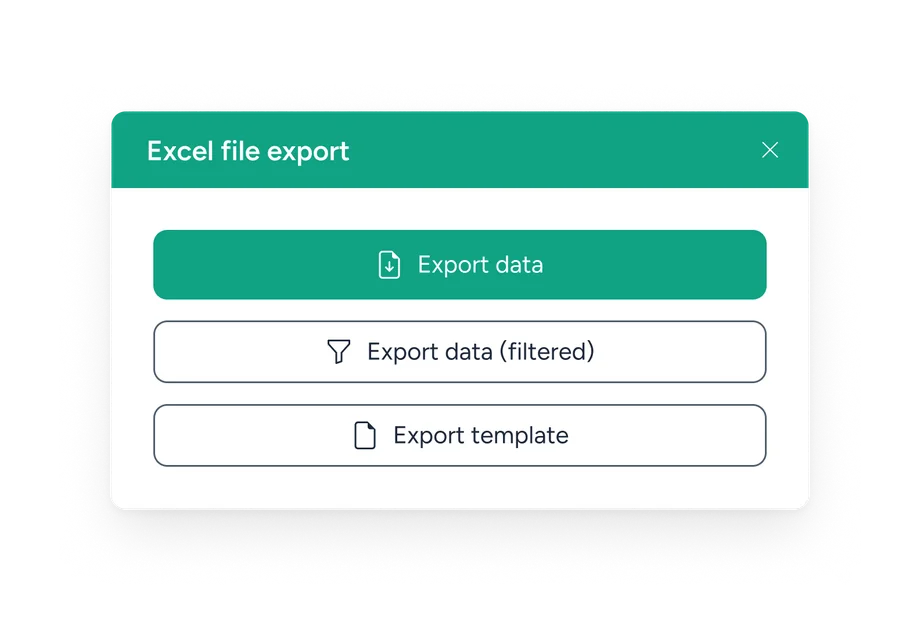
At the top right of the marketplace there’s an export button. It gives you the entire inventory, or exactly the selection you just filtered, as a file you open in Excel or Google Sheets.
Handy when you’re preparing a proposal for your client: you decide which domains go in, in your layout, under your name.
Order and plan ahead
With most providers, a quarterly plan means doing the same thing twelve times.
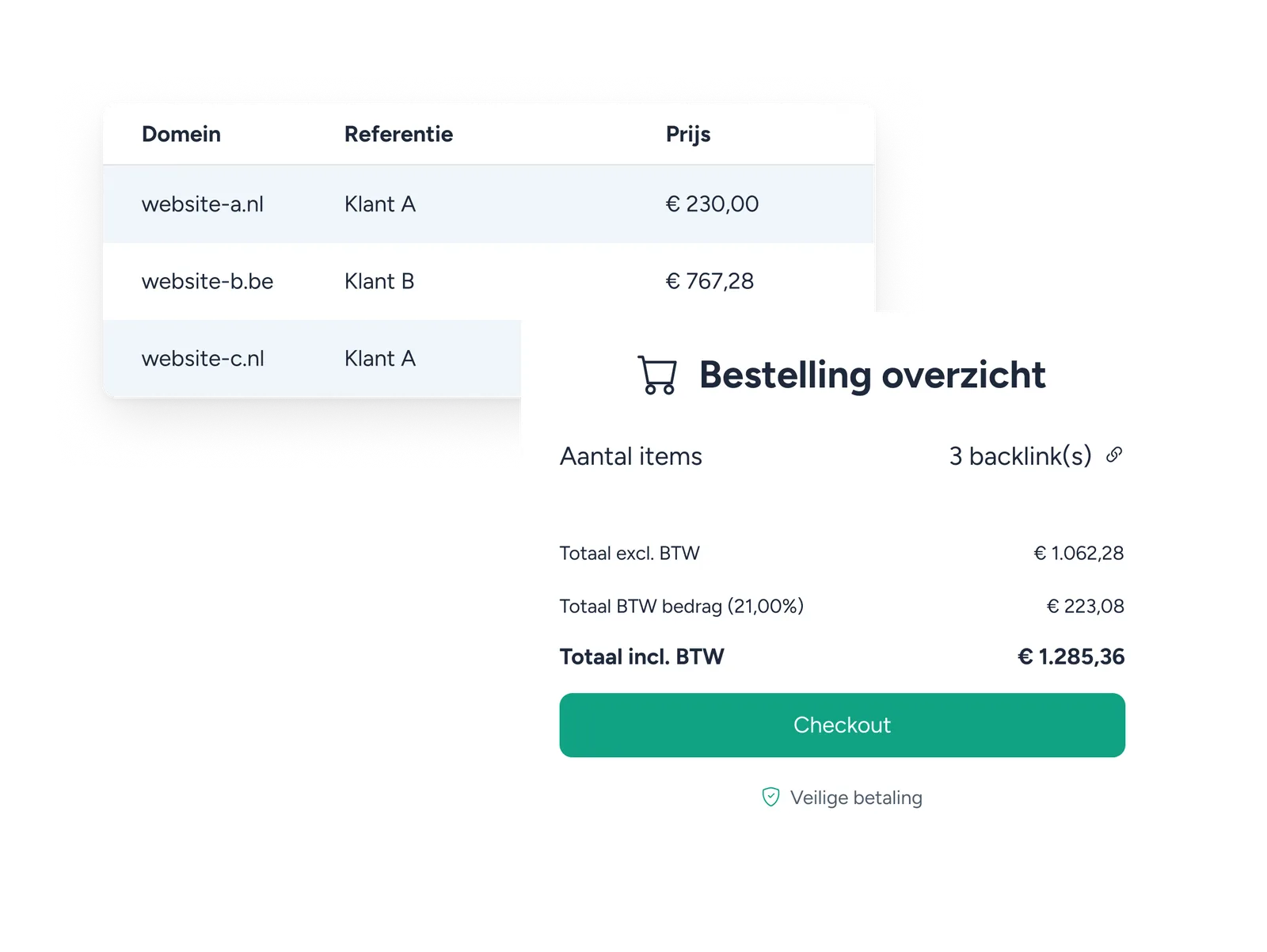
Set up orders for a whole quarter or half year in one go. If several people work on the same clients, they share one company account and everyone sees the same orders and history.
Content and placement
With many providers, supplying and approving content happens by email. After three clients you've lost track.
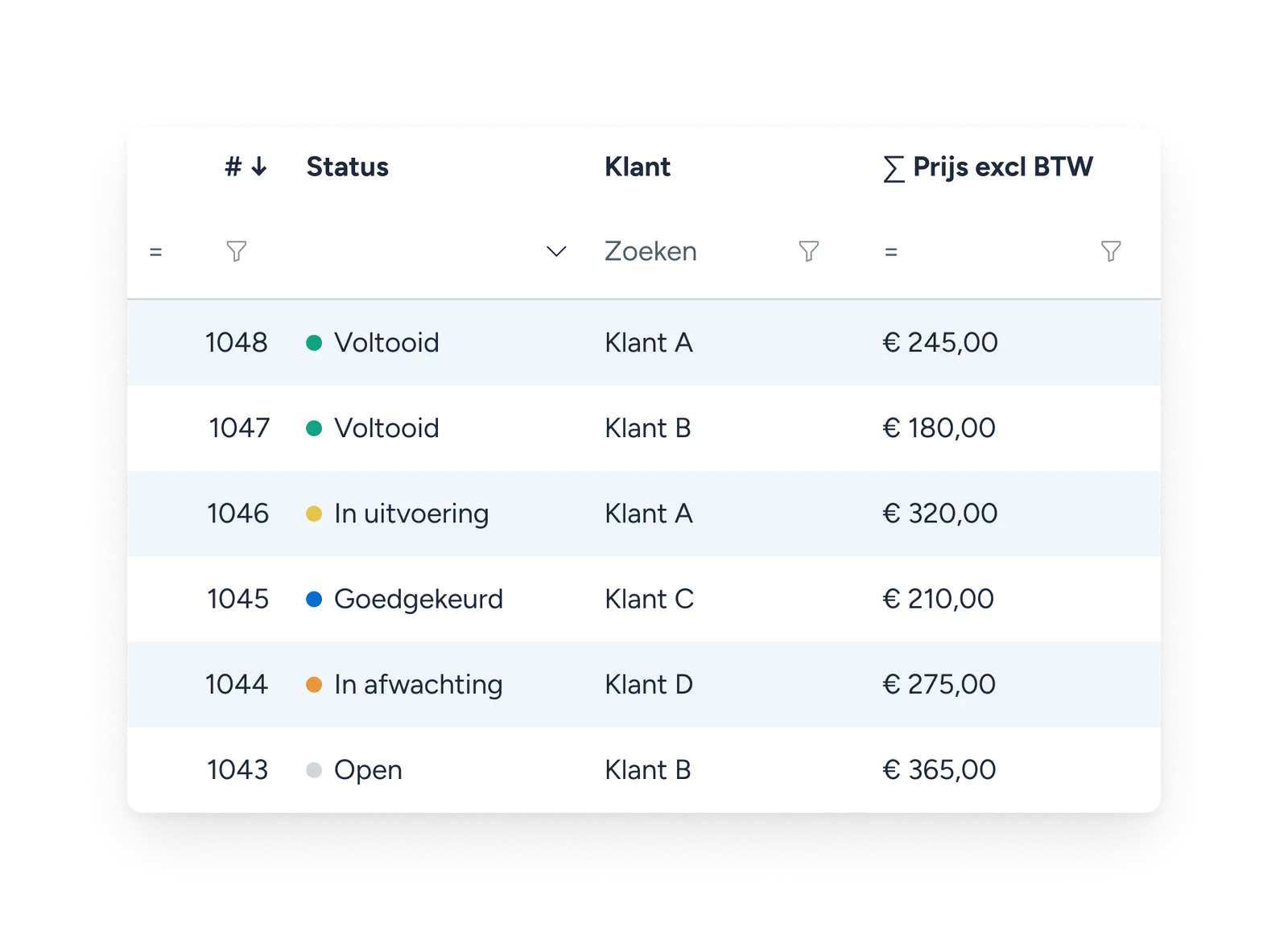
Supply your own article or have it written. You approve it in the platform before it goes to the publisher. As soon as the link is live, you’re notified.
Domain analysis
Your client wants to know why the competitor ranks higher. The answer usually lies in the link profile.
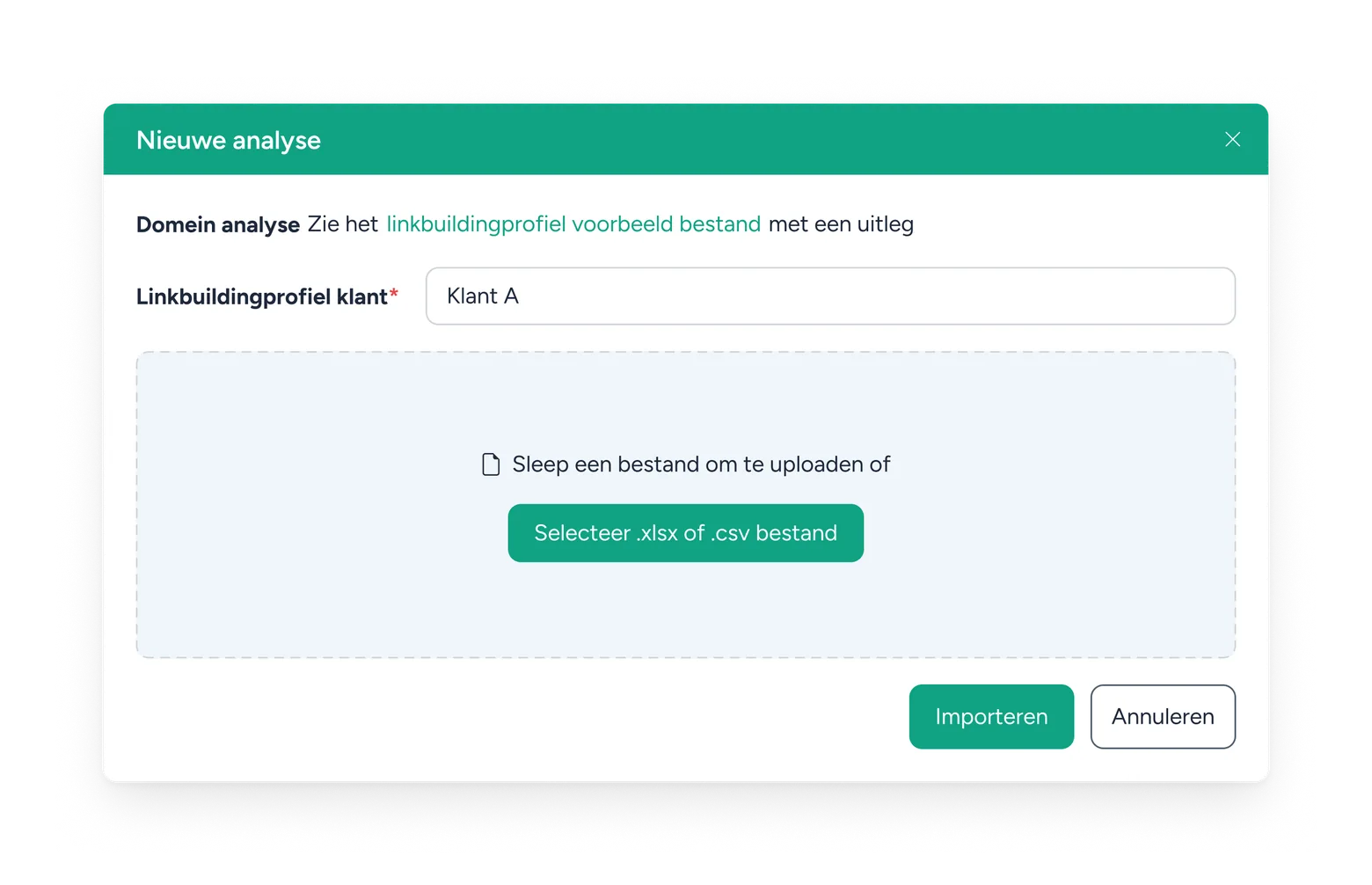
With the domain analysis you see which backlinks your client’s competitor has and your client doesn’t. That gap is your to-do list. What you take from it is up to you — we don’t make proposals.
Also for sensitive niches
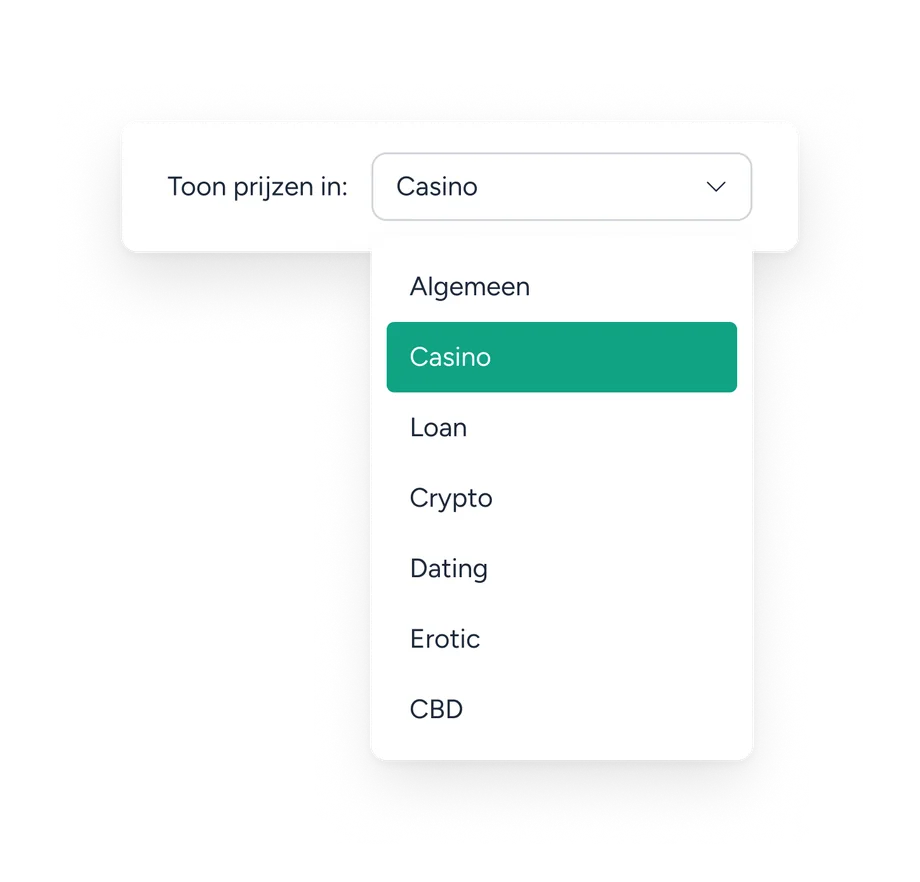
Casino, loans, crypto, dating, erotic and CBD are sensitive for many publishers. You usually only find out when an article gets rejected.
With us you see it upfront. Besides the general inventory there are six separate categories. For each category you see which sites accept placements and what they cost — those prices differ, because this inventory is scarcer.
So you can buy at scale for these clients too, without having to ask each site what’s allowed.
Search, compare and order your links in one marketplace
Creating an account is free and takes a minute. You filter 140,000 domains, optionally connect your own AI and order directly.